The main challenge of this collaborative project was creating a smooth dual-screen experience that displays both project details and the live project simultaneously while maintaining performance and usability. Organizing multiple student projects through a structured database and ensuring consistent design across the interface also required strong teamwork and coordination. The objective was to develop an intuitive and interactive tablet interface that allows users to easily explore projects and view both information and final outputs in a clear and engaging way.

Project Overview
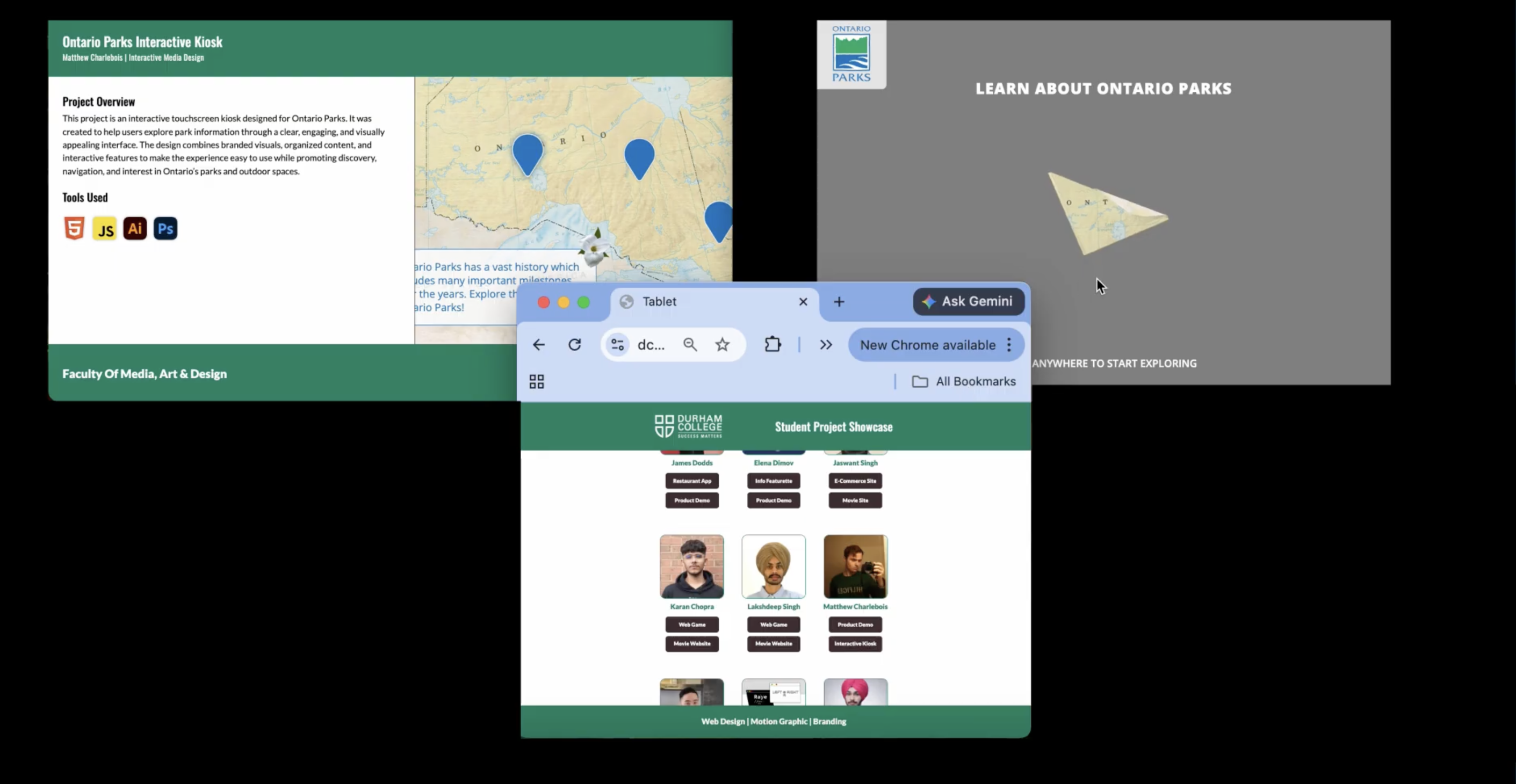
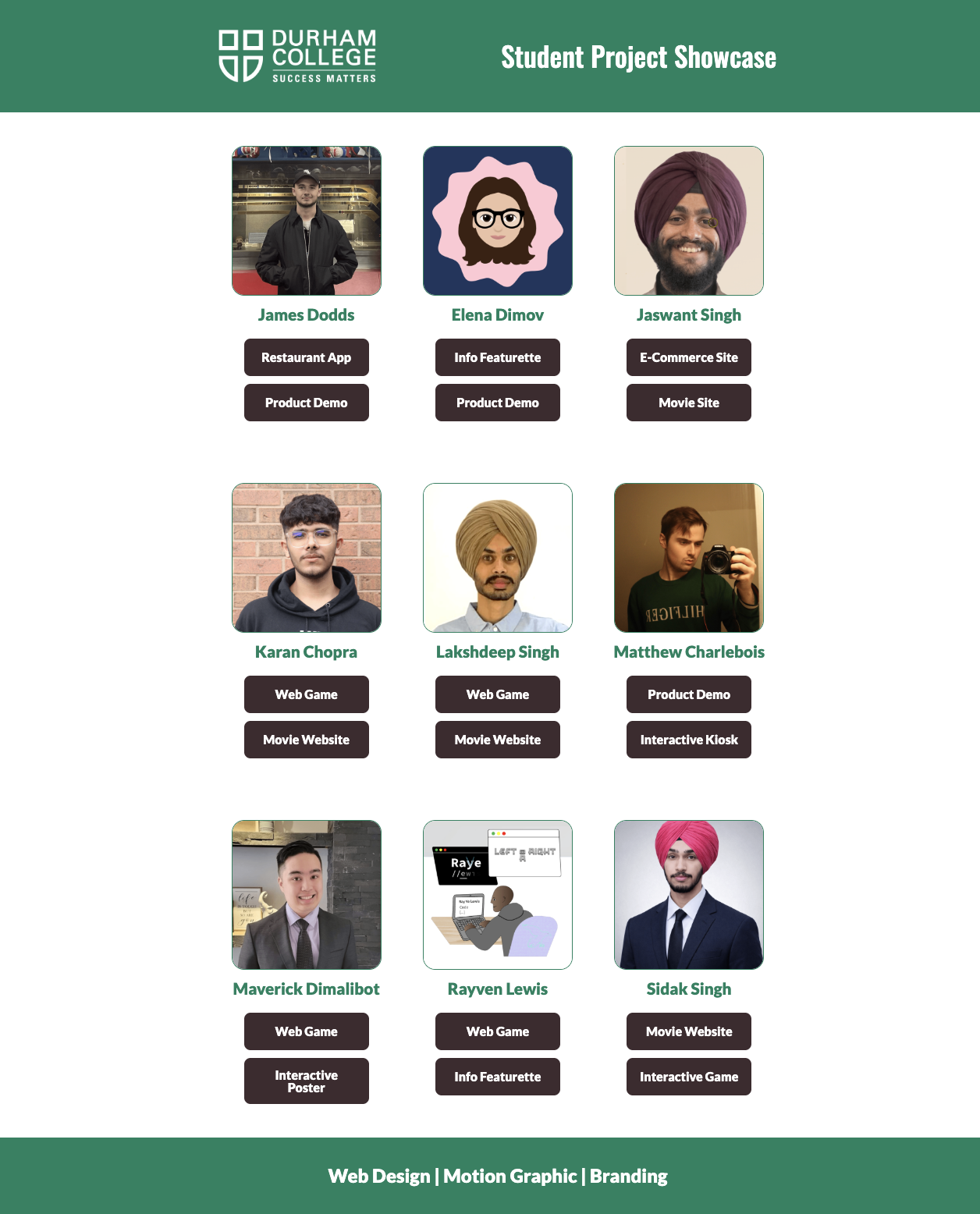
This collaborative project focused on designing and developing an interactive tablet-based interface to showcase student work in an engaging and organized way. The system displays a collection of students along with their individual projects, allowing users to easily browse and explore different works. When a user selects a project, the interface dynamically presents the content across two screens: one screen provides detailed information about the project, including concept and design process, while the second screen displays the live project built using HTML, CSS, JavaScript, and a connected database. This dual-screen experience creates an immersive and interactive way to view both the background and the final outcome of each project.
Process
The project began with collaborative brainstorming and planning to define the user experience and structure of the tablet interface, followed by creating wireframes to map out navigation and the dual-screen layout. The design was then developed using HTML, CSS, and JavaScript, with a focus on responsiveness and smooth interaction, while a database was integrated to manage and display student project content dynamically. The dual-screen functionality was implemented to show project details on one screen and the live project on the other, creating an engaging and immersive experience. Finally, the system was tested and refined to ensure usability, performance, and visual consistency.
challenges and Obejective
Project Video
This short video highlights the concept, design process, and final outcome of the project.
Deliverable Overview
The final deliverable is an interactive tablet-based system that showcases all student projects in a structured and visually engaging format. The interface allows users to browse students and select their projects, which are then displayed across a dual-screen layout—one screen presenting detailed project information and the other showing the live project built using HTML, CSS, JavaScript, and a database. The system delivers a seamless and professional experience, combining dynamic content, responsive design, and clear navigation to effectively present both the process and final outcomes of each project.
Tools Used